Privacy & sync
It stays yours
A mood journal is one of the most personal things you'll ever write. It shouldn't have to leave your pocket to be useful.


Plenty of apps in this category treat your entries as their asset: the thing being collected while you think you're the one collecting. We took the opposite position, and built for it rather than writing it in a policy. Luci works with no account and no email address, and the default is that nothing you write ever leaves the device you wrote it on. You can install it, use it for a year and never tell us your name.
On your device, including the clever parts
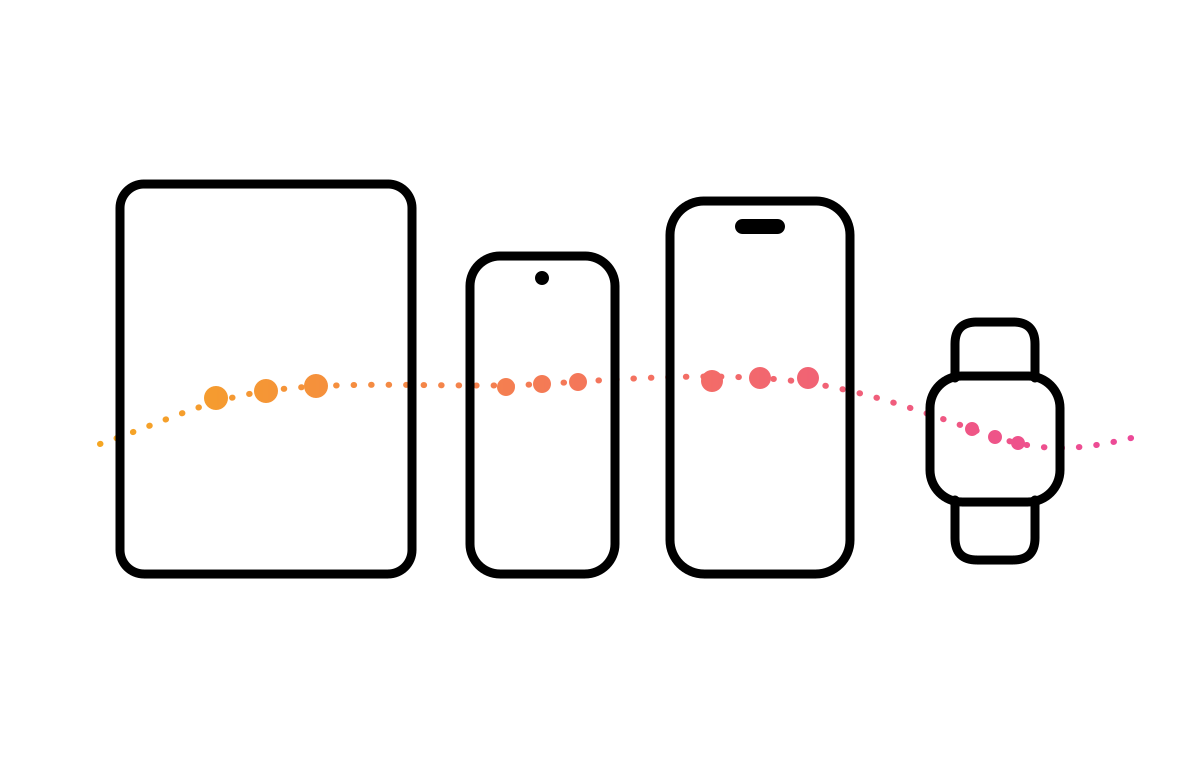
This is the bit that usually surprises people. Finding correlations across a few thousand entries is a maths problem, and a modern phone solves maths problems perfectly well, so it happens there, on your hardware, rather than being shipped somewhere with more of it. Your journal is not uploaded to be analysed, by us or by anyone else, and it is not used to train anything. The practical proof is that all of it keeps working in aeroplane mode: the statistics, the patterns, the whole grid. An app that needed your data on a server would go blank.
Sync is a choice, not a default
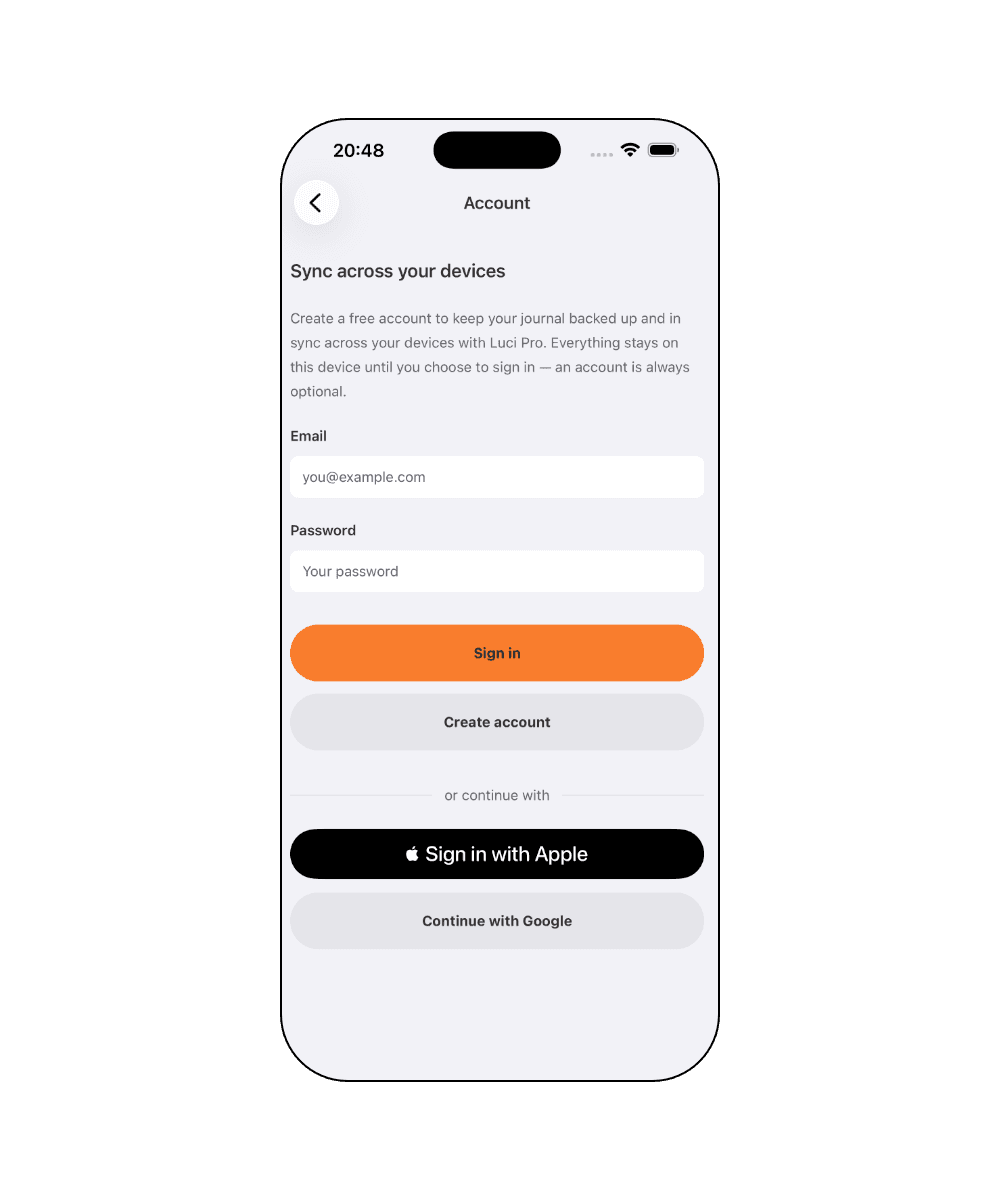
Sync is off until you turn it on. Leave it off and your journal simply lives on one device, as a paper diary would. Turn it on and your entries follow you between your phone, tablet and watch, encrypted at rest, and still yours. Both positions are reasonable and they trade against each other honestly: sync off is the most private and means a lost phone is a lost journal, so take backups. Sync on means a new phone restores everything. We didn't want to make that choice on your behalf, which is why it's a setting rather than an architecture.
Leaving should be easy
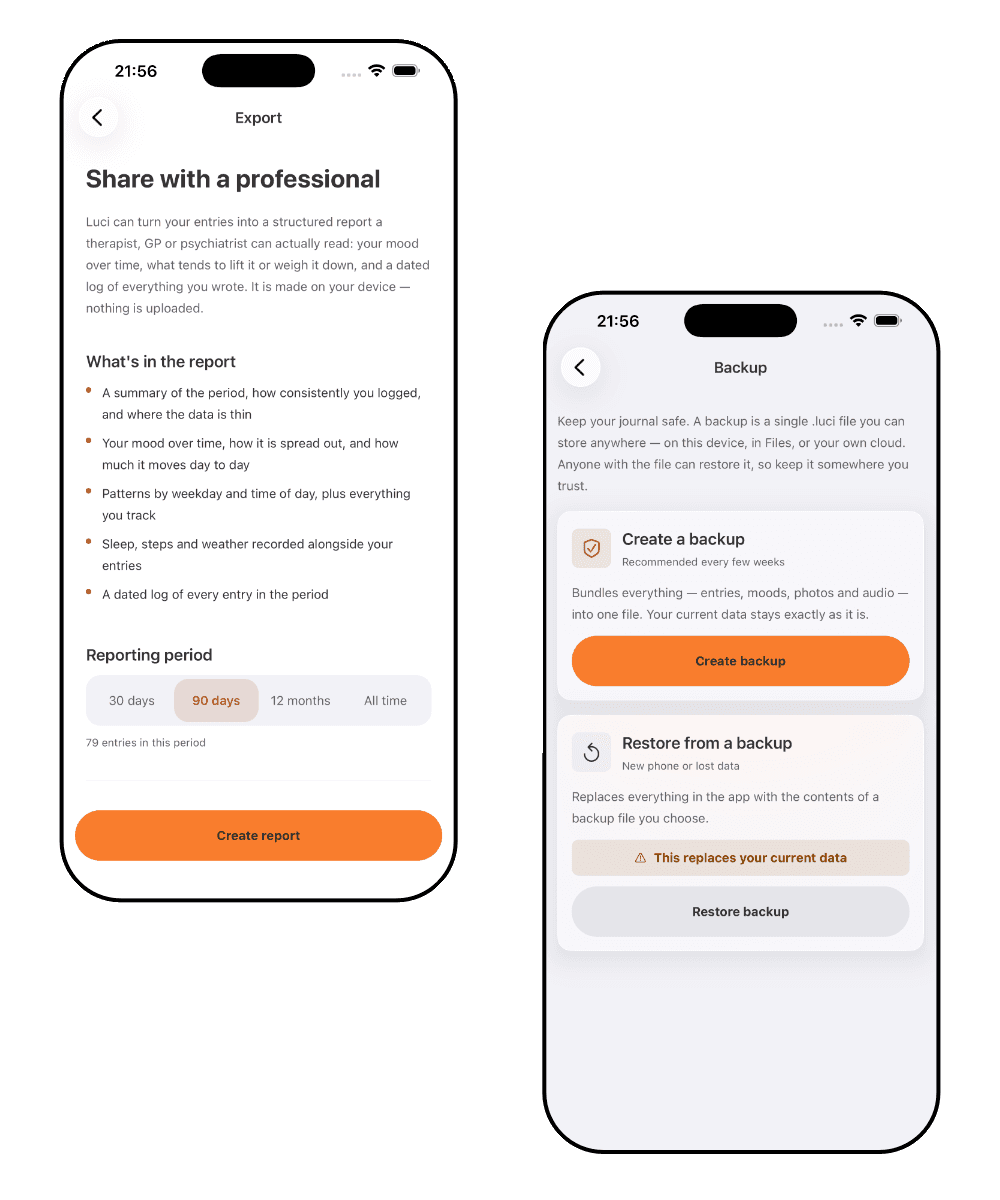
You can export everything at any time, as a readable PDF or as a backup file you can import again later. There's no wait, no request form and nothing withheld. This matters beyond convenience: an app that's difficult to leave is telling you something about how it sees the relationship, and the easiest way to be honest about owning your data is to make walking away with it a two-tap operation. And if you ever want everything gone from our side as well, there is a page in the footer explaining exactly how, though if you never turned sync on, there was never anything on our side to delete.
Who this is for
For anyone who has hesitated before typing something into an app.
You write about other people
Almost everyone does (a partner, a colleague, a family member), and they never agreed to be in your journal. That's a good enough reason on its own to want the whole thing to stay on one device, and it's the reason we don't treat "we take privacy seriously" as sufficient.
You've been burned before
Apps get acquired, policies change, and data collected under one promise gets used under another. The only version of this that can't happen is the one where the data was never sent anywhere. Sync off is that version, and it's the default rather than a setting you have to find.
You want to be able to leave
Years of entries in a format you can't get out of isn't ownership. Export as a readable PDF or a backup file at any time, with nothing withheld and nothing to request. Being easy to leave is the part of this that's actually testable, which is why it matters most.
Common questions
Do I need an account to use Luci?
No. Luci works with no account and no email address. Sync is the only thing that needs one, and sync is optional.
Does Luci work offline?
Completely. Logging, journalling, statistics and patterns all work with no connection, because the calculation happens on your device rather than on a server.
Is my journal used to train anything?
No. Your entries are not sent off the device for analysis and they are not used to train models.
What does Luci collect at all, then?
If you never turn sync on: nothing about your journal. Purchases go through Apple or Google, so they see the transaction and we receive an anonymous receipt. Your card details never reach us. Crash reports are optional and carry no journal content. That is the entire list, and it is deliberately short.
Does Luci read my Apple Health or Google Fit data?
Only what you explicitly grant, and only to save you typing: step counts and sleep, so they can sit beside a mood entry without being entered by hand. Permission is asked separately, refusing costs you nothing else, and nothing read this way leaves your device.
What happens if I lose my phone?
With sync off, your journal lived only on that device, so keep backups. With sync on, it restores on your next device. That trade-off is yours to make, which is precisely why the setting exists.
What happens if I stop using Luci?
Export the lot as a PDF or a backup file and take it with you. Nothing is held hostage.
Is Luci a medical device?
No. Luci is a mood-tracking and journalling app. It is not intended to diagnose, treat or prevent any condition, and it is not a substitute for professional care.
Start where you are
Luci is free, works offline, and asks for about ten seconds a day. No account needed.