Luci vs Daylio

Luci vs Daylio

Two mood trackers built on the same idea, that a tiny daily entry beats a diary you abandon, taking it in different directions. Here is where each one is stronger, category by category.

Updated September 14, 2026Compared: Luci 4.1.0 and Daylio 1.76.0

Daylio is the app most people mean when they say mood tracker. It has been around since 2015, it is quick, it is charming, and its five faces and activity grid have been copied by half the category since. If you have tried a mood tracker before, there is a fair chance it was this one.

Luci starts from the same place, a mood and a few tags in a few seconds, and then spends its effort on two things Daylio treats lightly: telling you in plain words what your entries add up to, and being a real journal when you have more than a line to say. It also captures more of the context around an entry, from sleep and steps to weather and where you were.

Neither is the wrong choice. This page is for working out which one is the right choice for you. Each of the nine sections below looks at one category, gives both apps a fair hearing, and names a winner. The table at the foot collects the verdicts, and the conclusion says who should pick which.

The two apps in brief

Luci

Version 4.1.0

A mood tracker and guided journal that finds the patterns behind how you feel, and keeps everything on your device.

Luci logs a mood in one drag, lets you tag what was going on around it, and turns those entries into plain-language observations about what moves your mood. It doubles as a journal, with free writing and over six hundred guided prompts. It is made by a small independent team, needs no account, and does its analysis on your phone.

Daylio

By Relaxio s.r.o. · Version 1.76.0

A micro-diary: pick a mood, tap some activities, done. Stats, goals and a year in pixels follow.

Daylio is made by Relaxio, a small studio in Bratislava, Slovakia, and has been one of the best-known mood trackers on both app stores for the past decade. An entry is a face from a row of five plus a grid of activity icons, with an optional note. It builds those entries into charts, streaks and goals, keeps everything on the device, and offers a generous free tier.

Look and feel

How the app looks, how it feels to use, and how fast an entry is on a day when you have no patience for it.

Luci

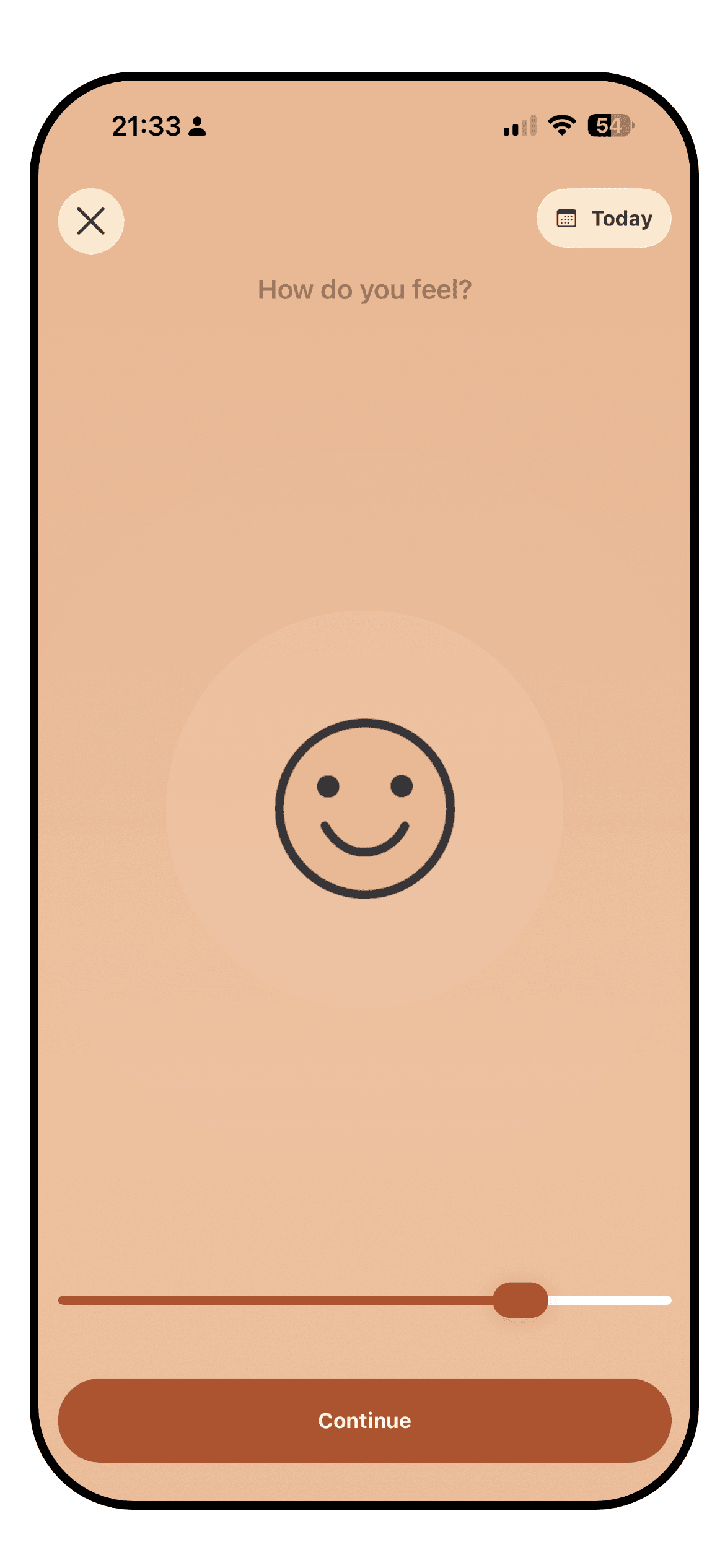
The Luci mood entry screen with the slider mid-drag and influence chips below it

Luci opens on a slider. You drag it to where your mood sits on a one-to-ten scale, or a row of smileys if you prefer faces, and that drag on its own is a complete entry. Everything else is optional: the activity, emotion, people and place chips underneath, a photo, a note. The screen is warm and unhurried, with a lot of white space. It reads as a journal app that happens to be quick rather than long form or intimidating.

The cost of that depth is a busier interface once you start using it fully. Chips are grouped by kind, so the entry screen grows as you add things to track, and the statistics tab is a stack of cards that rewards a scroll rather than a glance. Luci is fast, but it is not as instantly legible as Daylio, and a first-time user has more to take in.

Daylio

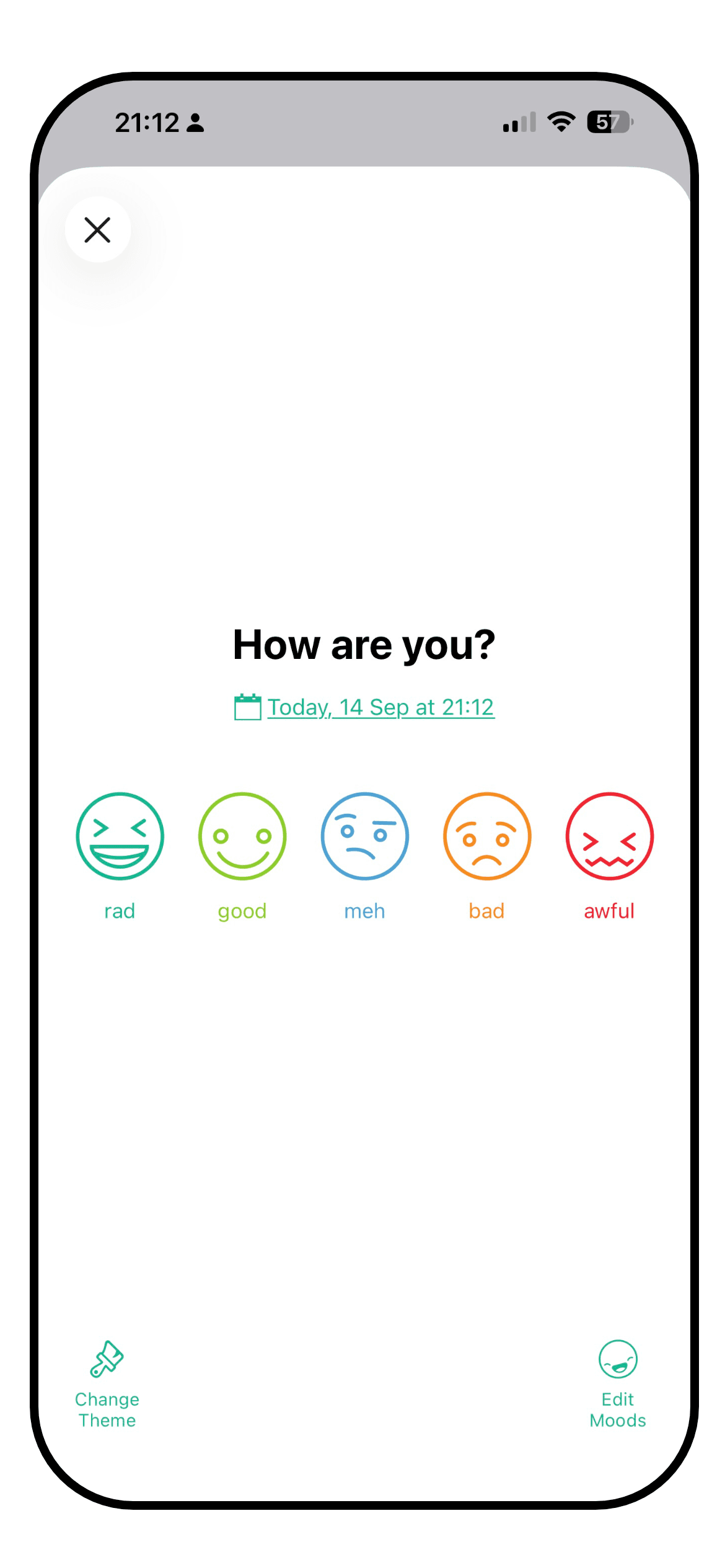
The Daylio entry screen with the five-face mood picker and the activity grid

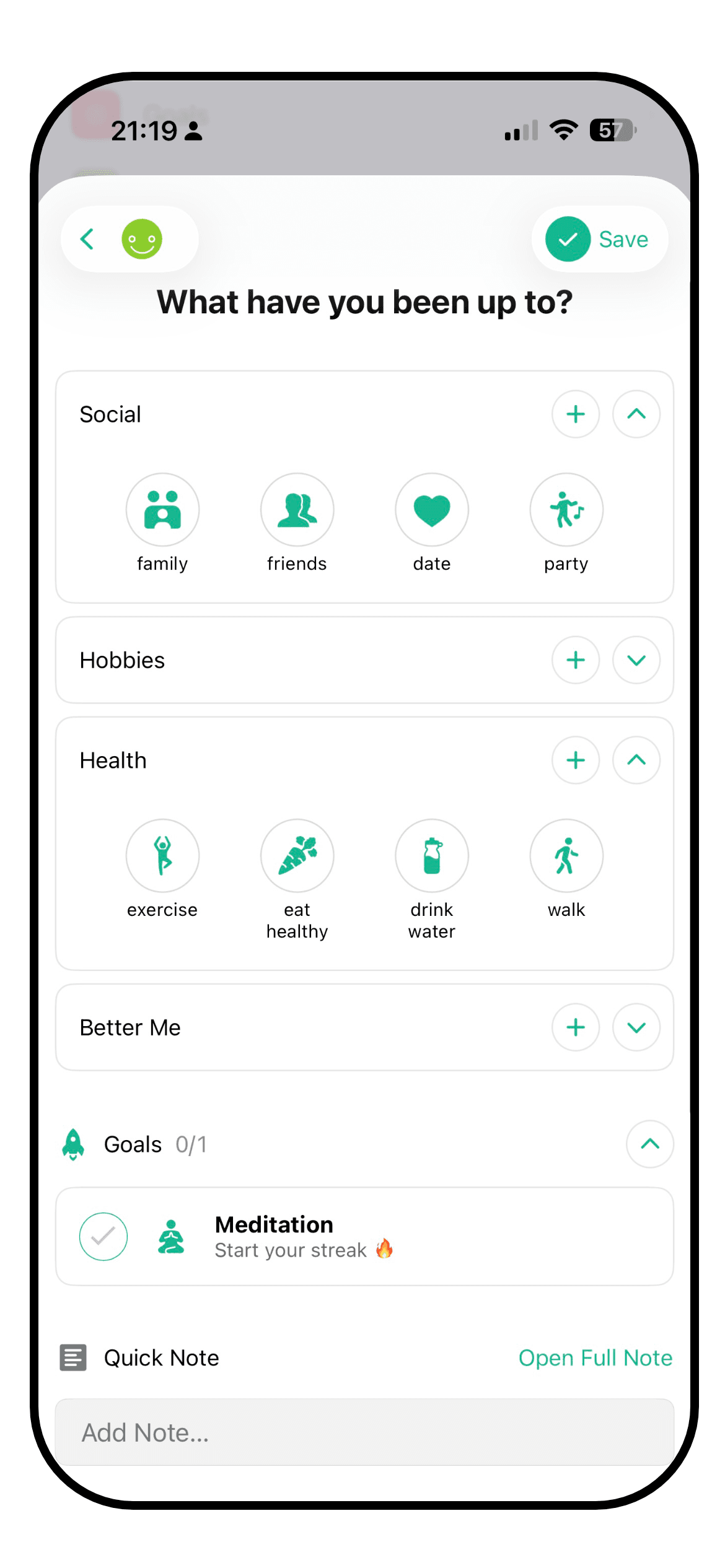
Daylio's entry flow is very quick and efficient. Five faces, a grid of activity icons and a save button. Two taps make an entry. The icons are friendly, the colours are cheerful, and the app has been refined over ten years of use by a very large number of people. Nothing in it feels unfinished.

It is also a very dense interface, in a good way. The calendar, the entry list and the stats tab each show a lot without feeling crowded. The 2026 releases added Siri phrases and a large calendar widget, so an entry can happen without opening the app at all. If speed and clarity are the whole job, Daylio does the job.

WinnerDaylio

Daylio. Its two-tap entry is the benchmark for the category, and a decade of polish shows. Luci is quick and pleasant, and a step more involved.

Insights

What you can learn from your own entries once you have a few weeks of them: charts, correlations, trends, and how clearly they are explained.

Luci

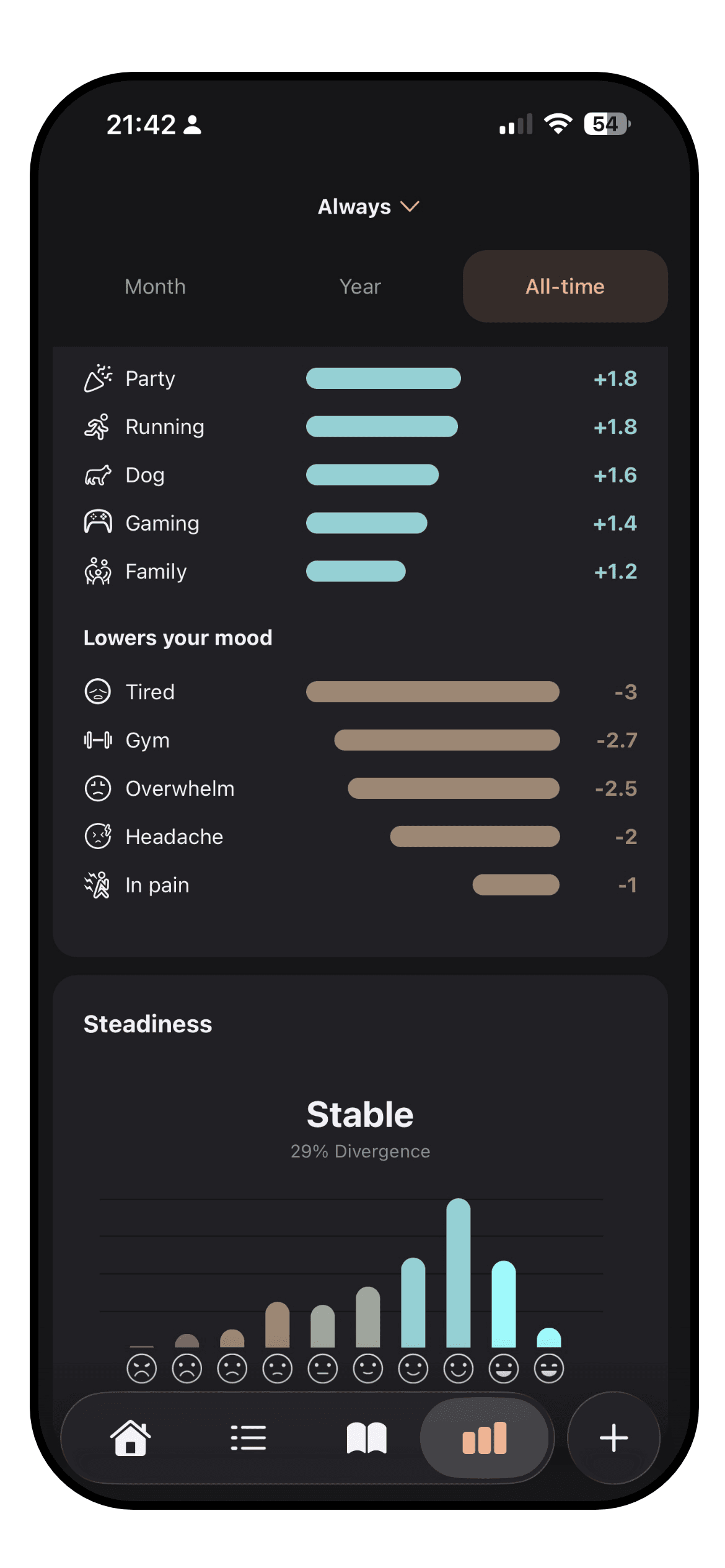
The Luci statistics screen with a trend line and ranked influences

This is the category Luci is built around. Every entry can carry a lot of information, from people, places, activities, emotions, sleep, all the way to the thoughts you experienced. Luci reads across all of your entries and can then say, in a sentence, what tracks with your better and worse days. It ranks each thing you tag by how far it shifts your average, so you can see that a particular meeting costs you more than a bad night's sleep does. Each observation says how many entries it rests on, so five weeks of evidence carries more weight than five days.

Underneath the plain language pattern spotting are the charts: mood trend over any period, averages you can compare month against month or season against season, mood steadiness, time of day, day of the week, weather, location, and recently even a word cloud drawn from your notes. There is also a period in pixels view, which extends the traditional year in pixels across your entire lifetime, or something smaller like a month. It all runs on your phone, with no connection or account required.


Daylio

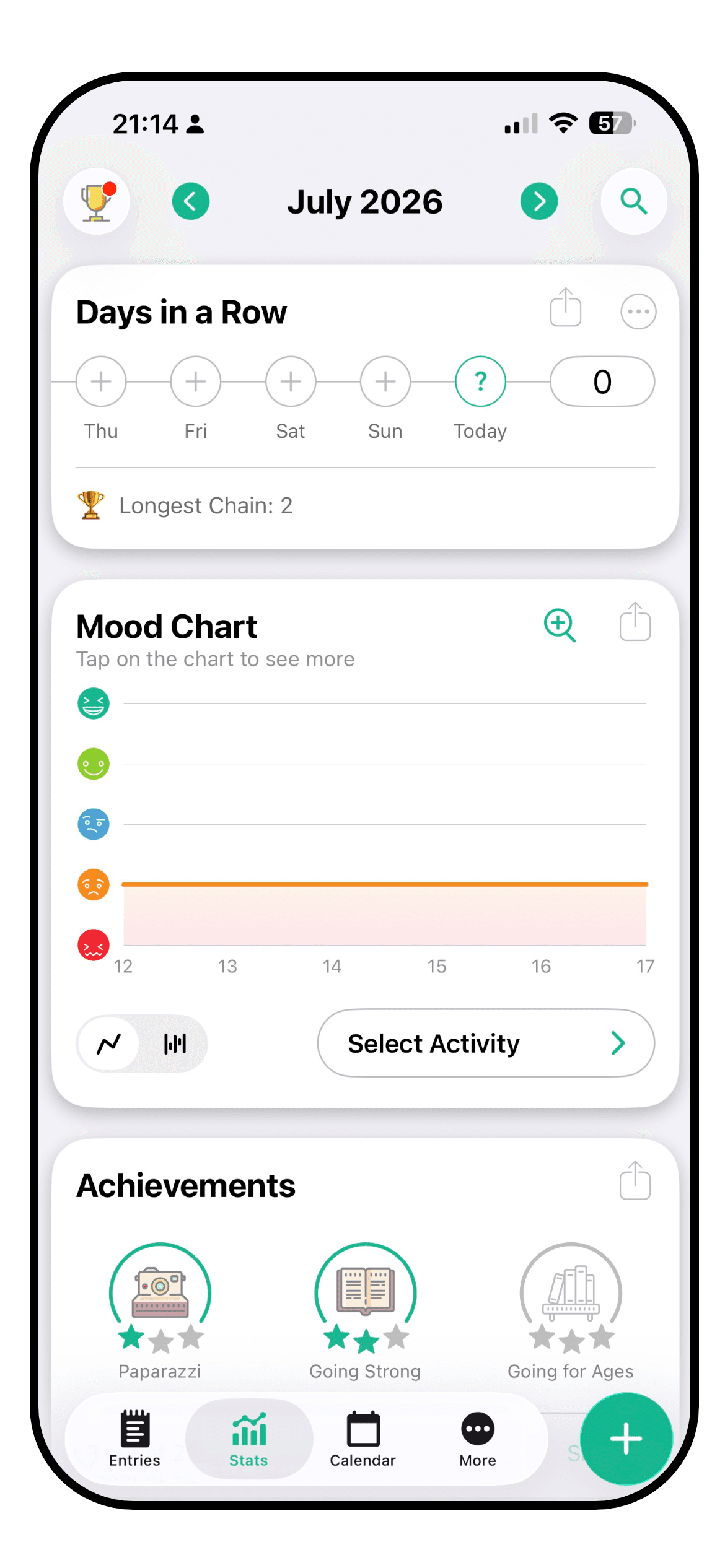
The Daylio stats tab with the mood chart, mood count and year in pixels

Daylio's stats tab is genuinely good and it has grown a lot. There is a mood chart, a mood count, the year in pixels it helped make famous, streaks, and monthly and yearly reports. On Premium you also get Influence on Mood, which compares how often each activity appears with your better and worse moods and gives a confidence level, plus Frequency, Longest Period, Related Activities and Occurrence During Week.

What it does less of is explanation. The stats are presented as charts and percentages you read for yourself, rather than as sentences that say what they mean, and they are built on the five mood levels rather than a finer scale, which limits how much movement they can show. Daylio also has no sleep, weather or health data to correlate against, so its insights stop at the activities you tapped. Good statistics, a narrower set of inputs.

WinnerLuci

Luci. Daylio's statistics are solid, especially on Premium. Luci draws on more kinds of data, explains what it finds in words, and ranks influences by size.

Customisation

What you can change: the mood scale, the things you track, the icons, the colours, the layout.

Luci

A long list of user-added activities and emotions in Luci

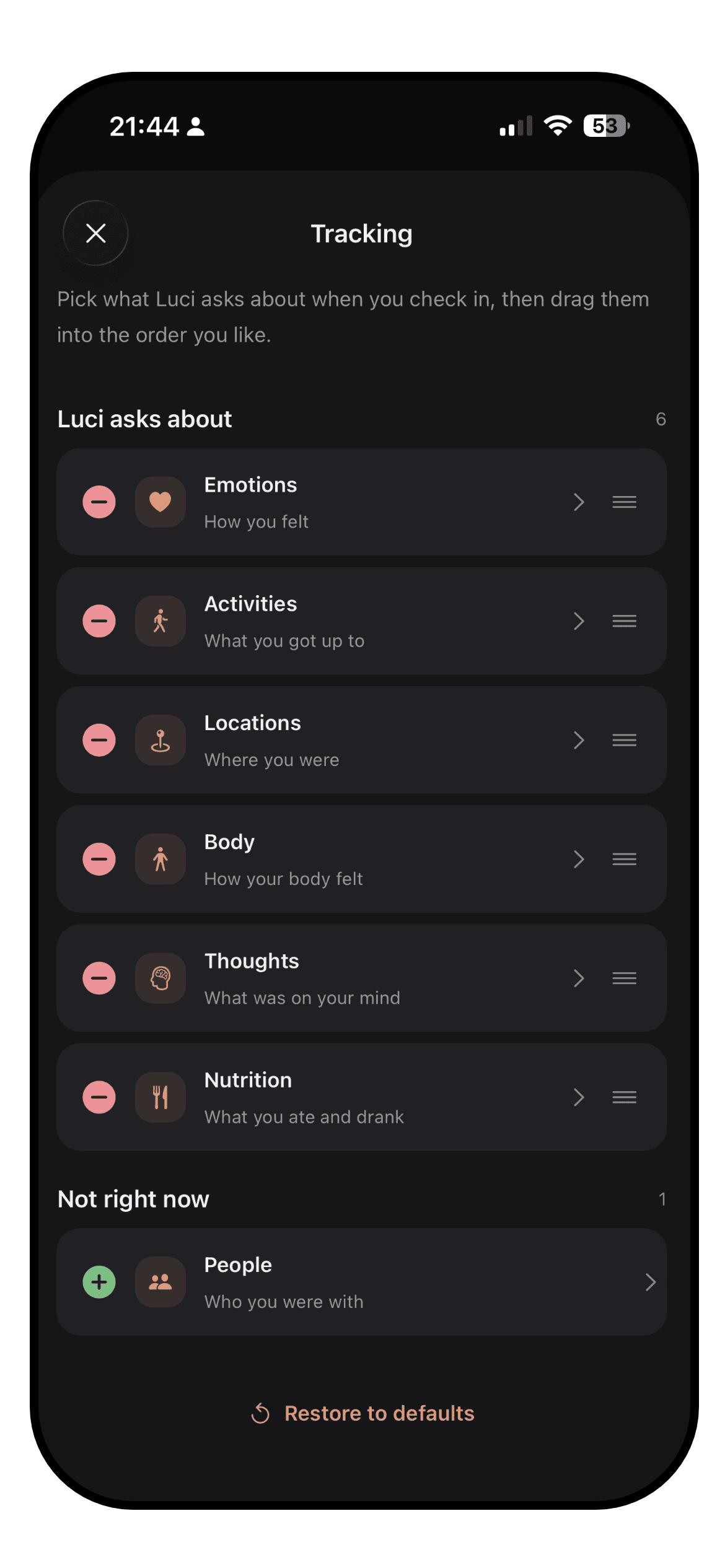
Luci lets you choose the mood scale itself: a one-to-ten slider, smileys, or Roman numerals, with the granularity set to what you find meaningful. Everything you track is a chip you can add, rename, remove or pin, across activities, emotions, people, places, nutrition, physical state and thought patterns. The home screen and the statistics screen can both be rearranged so the cards you care about come first.

Where Luci does less is decoration. There is a light theme and a dark theme, and a set of cosmetic items you unlock with Sparks, the in-app currency you earn by reflecting, but there is no palette of colour themes and no library of thousands of icons to pick from. Luci's customisation is about what you track and how it is scored, not how the app looks.

Daylio

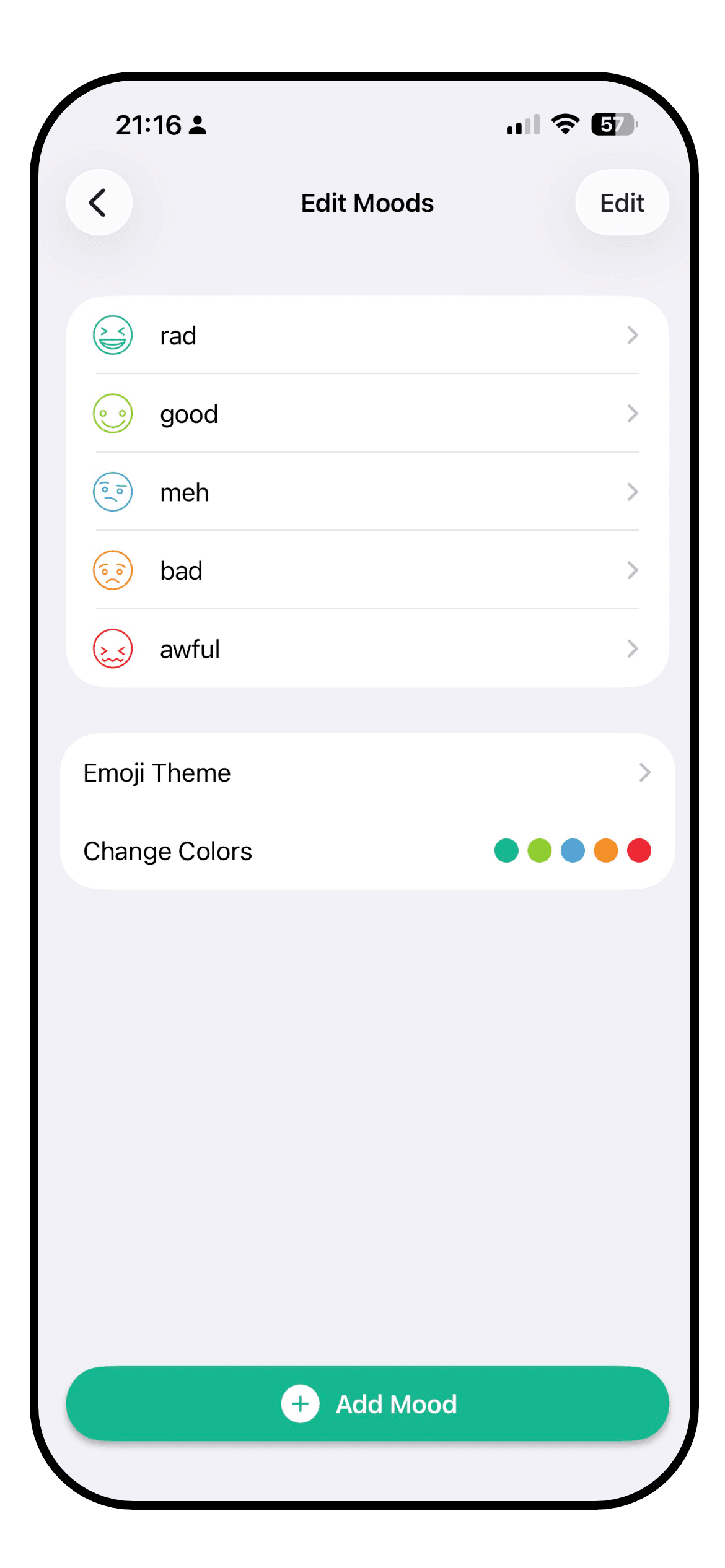
The Daylio mood editor with custom moods, icons and colour themes

Customisation is one of Daylio's real strengths. The five mood levels are fixed, but each one can hold as many custom moods as you like on Premium, with their own name, emoji and colour, so "meh" can split into tired, bored and flat. Activities come with a library of over two thousand icons on Premium and can be sorted into groups. Colour themes are plentiful and Premium adds custom colours and more emoji sets.

The limit is the scale. However many moods you create, they sit inside five levels, so the app never knows that today's "good" was better than last Tuesday's. Reminders, goals and important days are all customisable too, with the counts uncapped on Premium. If you like an app to look like yours, Daylio is the one that lets you do it.

WinnerDaylio

Daylio. More icons, more themes, custom moods and colours. Luci wins on customising the scale and the things you track, and loses on the sheet amount of icons and color themes.

Journaling

How good it is as a journal, for people who write more than a line. Formatting, prompts, photos, voice, and reading it back.

Luci

A guided journal prompt in Luci, part-way through an answer

Luci is a journal as much as a tracker. A note can use headings, bold and italics, and carry photos and voice notes. When the blank page is the obstacle, there are over six hundred guided prompts across twenty topics, from stress and grief to money and motivation, each with optional guidance on how to approach it and a short tip drawn from cognitive behavioural therapy at the end of a session. A daily prompt is there for the days you want one.

Because prompts repeat, Luci can show what you wrote last time the same question came round, which is the clearest evidence of change most people ever get. Your notes also feed the statistics: the word cloud and the journal moments card read them back to you. If you write more than a line, this is the app that is built for it.

Daylio

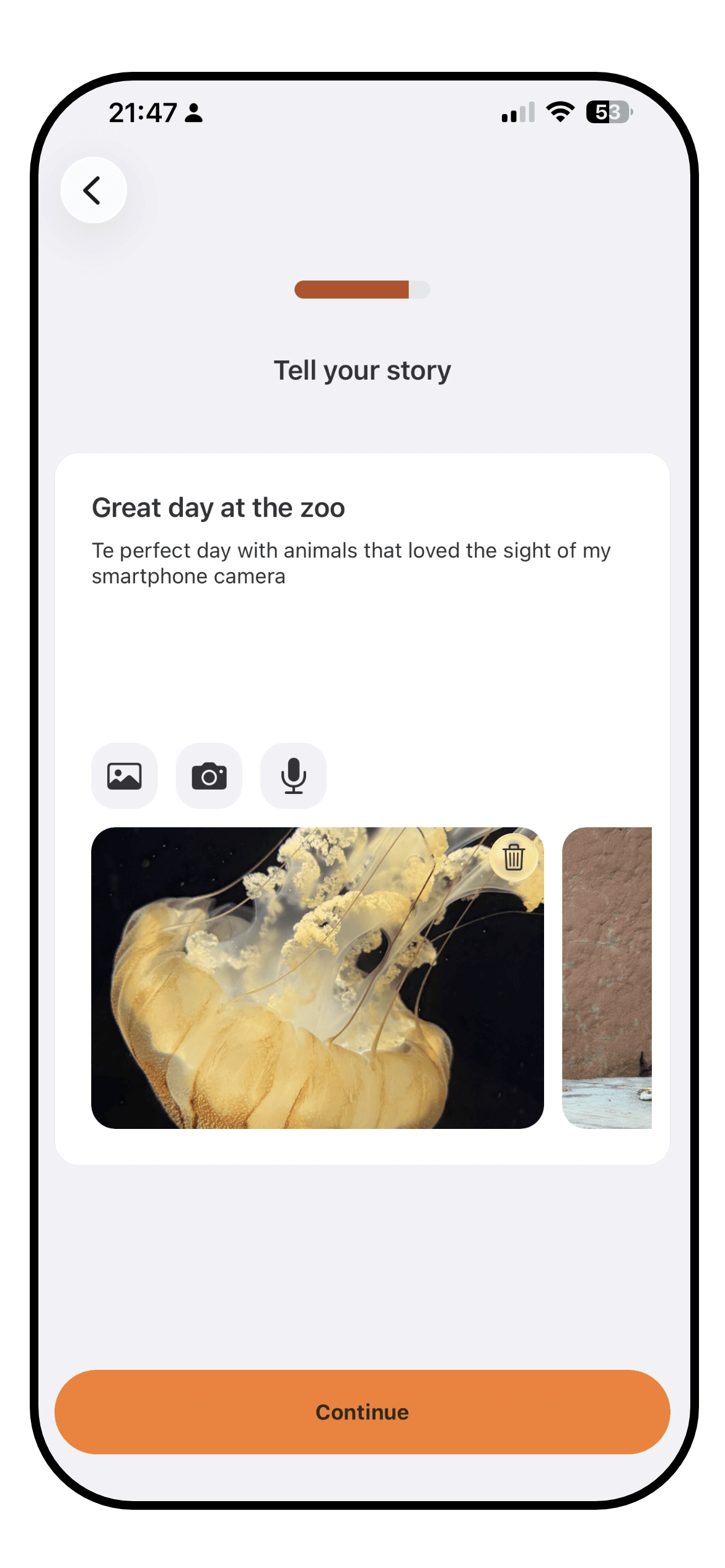
A Daylio entry with a short note and a photo

Daylio describes itself as a micro-diary, and that is exactly right. A note is plain text with a photo attached, kept short by design, and the whole pitch is that you do not have to write anything. For a lot of people that is the feature: a journal that asks for nothing is a journal you keep. Search works across notes, and Premium adds note templates so a recurring entry can start from a structure.

There are no prompts, no formatting, and no way to compare what you wrote against an earlier answer. Reading old entries back is a scroll through the list or the calendar. As a mood log with a line of context this is fine, and it was never meant to be more. As a journal it is thin.

WinnerLuci

Luci. Formatting, photos, voice, six hundred guided prompts and answer comparison against Daylio's plain notes and templates. Daylio is the better choice only if you want to write nothing.

Other features

Everything outside the core loop: goals and habits, reminders, widgets, articles, achievements, watch apps.

Luci

The self-reflection topic picker in Luci

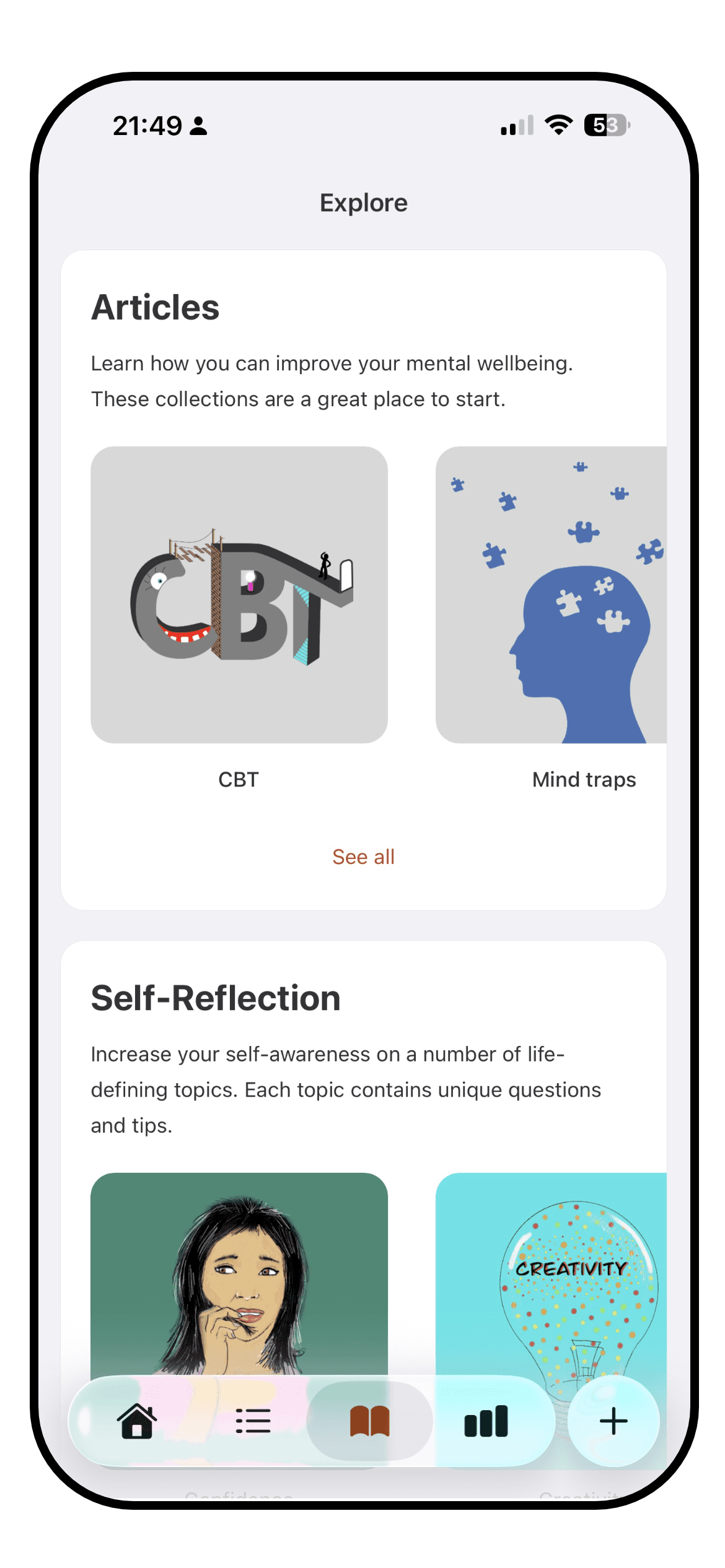
Outside the core loop Luci has a period and year in pixels, home screen and lock screen widgets, an Apple Watch app with its own widget, reminders, and a set of mental-health articles on topics like thinking traps and CBT that cite their sources at the foot of each piece. Reflecting earns Sparks, which unlock cosmetic items, and there is a set of achievements for keeping at it.

What Luci does not have is goals and habits in the Daylio sense. You can track a habit as a chip and see its effect on your mood, which is arguably the more useful question, but there are no streak counters, no daily targets and no countdowns. Luci is a tracker and a journal; it is not a habit app.

Daylio

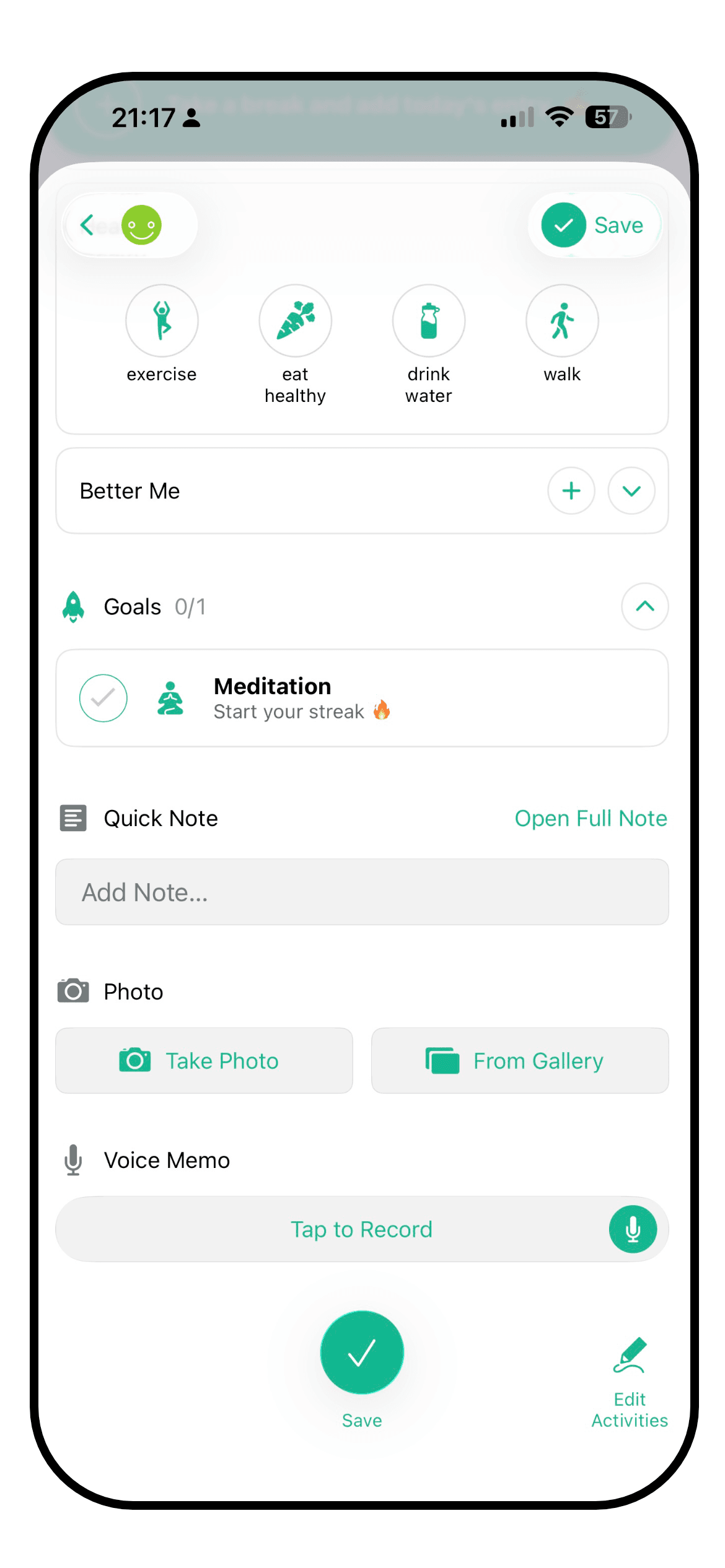
The Daylio goals screen with streaks and achievements

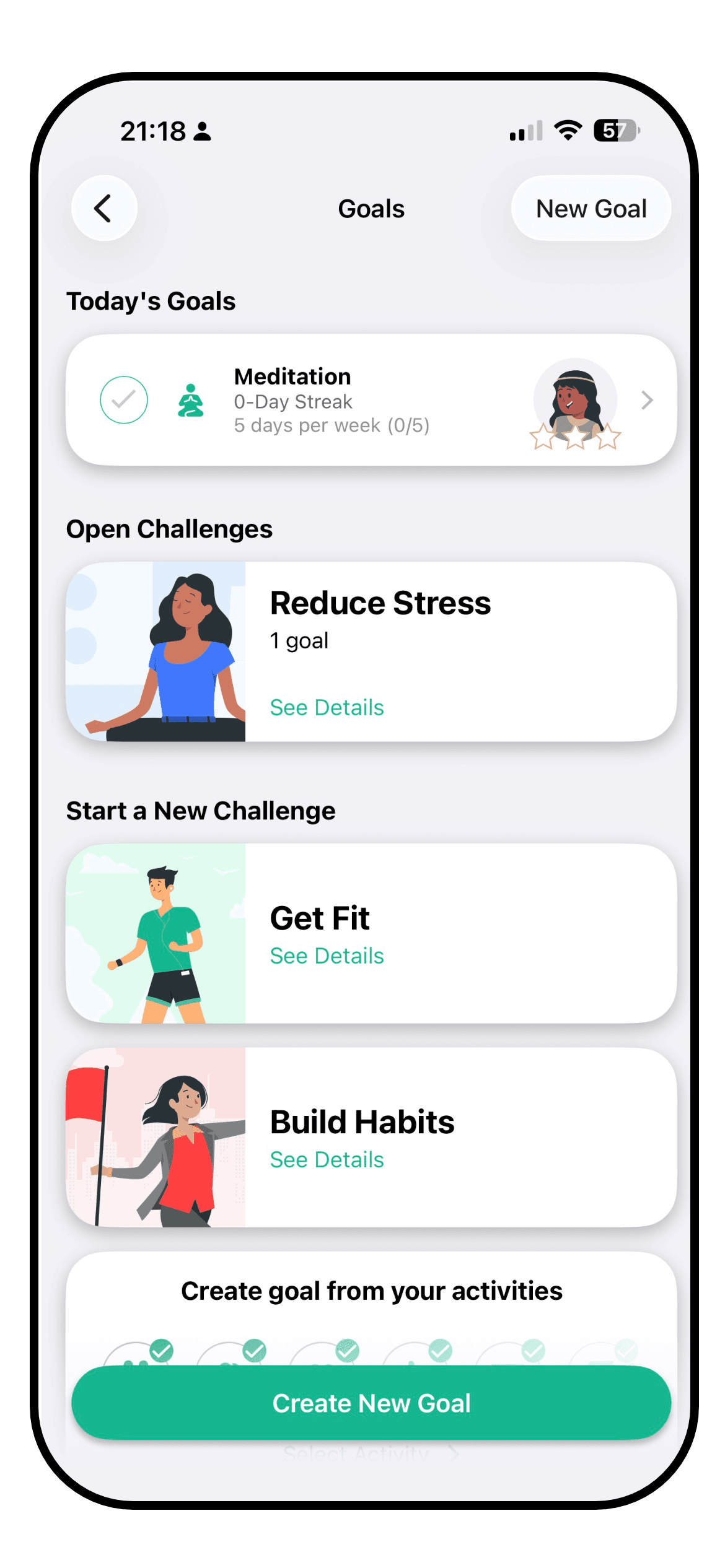
Daylio is also a habit tracker, and a good one. Goals can be daily, weekly or monthly, each with a streak, and completing them unlocks achievements. The free tier allows one goal, Premium removes the cap. Important days count down or up to a date. Reminders are flexible, and Premium makes them unlimited. Widgets are plentiful, including the new large calendar one, and Siri can log a mood without the app being opened.

The year in pixels is here too, of course; Daylio is the app that made it a genre. Weekly and monthly reports summarise a period, and stats can be shared as an image. There are no prompts and no articles, because Daylio is not trying to be a place you read or reflect. It is a place you tap, and the features around the tap are rich.

WinnerTie

A tie. Daylio has goals, streaks, Siri and more widgets. Luci has a watch app, articles, guided prompts and Sparks. Which set matters depends on whether you want a habit tracker or a place to reflect.

Context and integrations

How much of the world around an entry the app can capture, by hand or from your phone: sleep, steps, weather, places, people, health data.

Luci

A Luci entry with people, place and activity chips selected

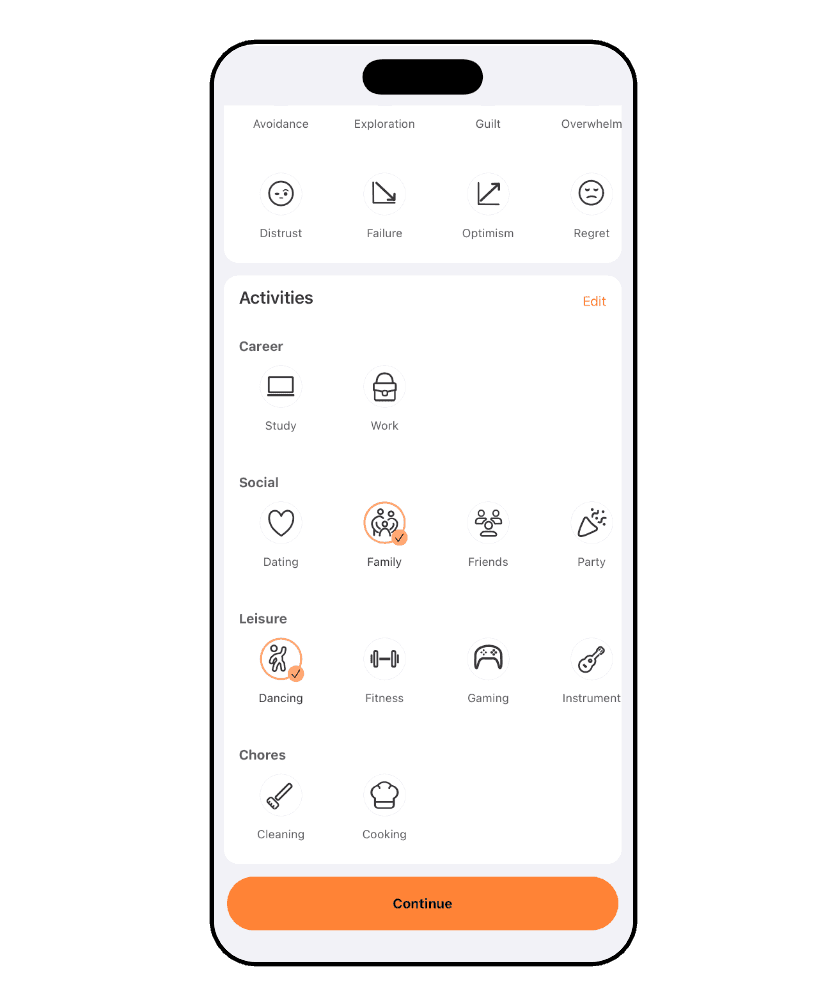
An entry in Luci can carry a lot of the world around it. People, places and activities are chips. Sleep and steps come in from Apple Health on iPhone once you allow it, so they sit beside a mood without being typed. A geotag attaches your location and the weather at the moment of writing, and a place can be pinned to a chip so it is selected automatically when you write from there. Nutrition, energy, rest and tension have their own sets, and so do recurring thought patterns like worry or self-judgement.

All of that becomes something the statistics can use. The location card, the weather card, the people card and the physical card each show how your mood moves with that input, and the impact ranking puts them all on one list. Health data read this way stays on your device; nothing is uploaded to be analysed. On Android the health connection is not currently available, which is the one gap here.

Daylio

A Daylio entry with activities and a note, and no health or weather data

Daylio's context is the activity grid. Anything you want an entry to know about, you add as an activity and tap, and the app is very good at making that fast. Groups keep a long list tidy, and the Influence on Mood statistic works across all of them. Photos add a visual record. That is a workable way to capture sleep or exercise, as long as you are happy to tap a rough category rather than record a number.

There is no connection to Apple Health, Google Fit or Health Connect, no weather, and no location. Siri shortcuts are the one integration, and they are for logging rather than for bringing data in. Data can leave the app as CSV, which is handy for anyone who wants to do their own analysis in a spreadsheet, but nothing comes in automatically. Everything Daylio knows, you told it.

WinnerLuci

Luci, by a distance. Health data, weather, location, people and physical state against Daylio's manual activity grid and a CSV export.

Privacy

Where your entries live, who can read them, whether an account is required, and how easily you can leave with your data.

Luci

Luci needs no account and no email address. Entries live on the device you wrote them on, and every statistic is calculated there too, so the app works in full with no connection. Sync is off until you turn it on. Switch it on and your journal follows you between phone, tablet and watch, encrypted, tied to an account you create at that point and not before. Nothing you write is used to train anything.

Leaving is a two-tap operation: export the lot as a readable PDF or as a backup file you can import again later. If you never turned sync on, there was never anything on our side to delete; if you did, there is a page in the footer that explains exactly how to remove it. Purchases go through Apple or Google, and crash reports are optional and carry no journal content.

Daylio

Daylio's position is similar and it deserves credit for it. No account is required, entries are stored in the app's private storage on the device, and Daylio says it does not send your data to its servers. Backups go to your own iCloud or Google Drive, in a space Daylio cannot read, and can also be exported by hand as a file. A PIN lock, with Face ID or fingerprint, keeps the app itself closed, though on iOS the PIN is a Premium feature.

The differences are at the edges. There is no true sync; a second device is restored from a backup rather than kept in step, which is more private in one sense and less convenient in another. Export is CSV on the free tier and PDF on Premium. Both apps are well ahead of the category here, and neither treats your journal as its asset.

WinnerLuci

Luci, narrowly. Both keep entries on the device and need no account. Luci adds on-device analysis, opt-in encrypted sync, and PDF export on every tier.

Platforms

Where the app runs: iPhone, Android, iPad, watch, desktop, and whether your entries follow you between them.

Luci

iPhone, iPad, Apple Watch with its own app and complications, Mac with Apple silicon, Apple Vision, and Android. With sync on, one journal across all of them. Widgets on iOS and Android home screens.

Daylio

iPhone, iPad and Android, plus Apple Vision in compatibility mode. No Apple Watch app and no Wear OS app; a watch can trigger Siri but not run Daylio. Backups move between iOS and Android by file.

WinnerLuci

Luci. Both cover phone and tablet on both sides. Luci adds a watch app, a Mac app and true sync between them.

Pricing

What is free, what is paid, and roughly what the paid tier costs. Prices vary by country, so these are the options and a rough figure, not a quote.

Luci

Free, with no account and no time limit: mood logging, journaling, photos and voice notes, the statistics and pattern discovery, six of the twenty prompt topics, widgets and the watch app. Luci Pro adds sync across devices, the remaining guided prompt topics and the advanced statistics.

Pro is a subscription at roughly $6 a month or $35 a year, or a one-off lifetime purchase at roughly $200. A subscription bought on one platform works on the other once you sign in.

Daylio

Free, with no account and no ads, and unusually generous: unlimited entries, the core statistics, streaks, one goal, CSV export and a good set of icons and themes. Premium adds the advanced statistics, unlimited moods and goals, over two thousand extra icons, note templates, unlimited reminders, automatic backups, PDF export, extra colour themes and the PIN lock on iOS.

Premium is roughly $5 a month or $36 a year, with a seven-day trial and family sharing on iOS. Longer-term deals appear in the listing from time to time. For a habit-and-mood tracker used daily, the yearly price is modest, and a lot of people never need it.

WinnerDaylio

Daylio. A more generous free tier and a cheaper paid one. Luci's lifetime option is the better deal only if you know you will use it for years.

The short version

Every category from the page above, in one table. Stars are our rating on a five-point scale; platforms and pricing are listed as they are.

CategoryLuciDaylioWinner
Look and feelSlider entry, warm and roomy, busier once fully set upTwo-tap entry, dense and cheerful, very polishedDaylio
InsightsPlain-language patterns, ranked influences, trends, many data typesGood charts and activity stats, advanced ones on PremiumLuci
CustomisationCustom scale and granularity, custom chips everywhere, rearrangeable screensCustom moods, 2000+ icons, colour themes, groupsDaylio
JournalingRich text, photos, voice, 600+ prompts, compare past answersShort plain notes, photos, templates on PremiumLuci
Other featuresWatch app, widgets, articles, achievements, Sparks, no goalsGoals and streaks, Siri, widgets, reports, no promptsTie
Context and integrationsApple Health sleep and steps, weather, geotag, people, placesManual activities only, Siri for logging, CSV outLuci
PrivacyOn device, no account, opt-in encrypted sync, export freeOn device, no account, own-cloud backups, PIN on PremiumLuci
PlatformsiOS, iPadOS, Android, Apple Watch, Mac, VisioniOS, iPadOS, Android, Vision (compatibility)Luci
PricingFree core; Pro ~$6/mo, ~$35/yr, ~$200 lifetimeFree core; Premium ~$5/mo, ~$36/yr, 7-day trialDaylio

Conclusion

On the count, Luci takes five categories, Daylio takes three and one is a tie. That is a fair picture, and it is also not the whole one: the categories Daylio wins are the ones that decide whether you open an app at all, and the ones Luci wins are the ones that decide whether it was worth opening.

Where Luci is stronger

  • Insight. It reads your entries back to you in sentences, ranks what moves your mood, and draws on sleep, steps, weather and places as well as what you tapped.
  • Journaling. Formatting, photos, voice notes, six hundred guided prompts and the ability to see what you wrote last time the same question came round.
  • Context. Apple Health, geotagging with weather, people, physical state and thought patterns, all of it usable by the statistics.
  • Reach. A watch app, a Mac app, and one journal synced across all of them if you choose to turn sync on.

Where Daylio is stronger

  • Speed. Two taps and an entry is saved. Siri can do it without the app open. Nothing in the category is faster.
  • Habits. Goals with streaks, achievements and important days make it a habit tracker as well as a mood tracker.
  • Looks. Thousands of icons, many colour themes, custom moods and colours. It can be made to look exactly the way you want.
  • Price. A free tier that most people never outgrow, and a cheaper Premium when they do.

Choose Luci if

  • You want to know why. If the point of tracking is to learn what actually affects your mood, and to have it explained rather than charted, Luci is built for that.
  • You write. Even a few sentences a day. Prompts, formatting and answer comparison turn a mood log into a journal you will read back.
  • You wear an Apple Watch or use a Mac, and want the same journal on all of them.
  • You care that the clever parts happen on your phone, and that sync is a choice rather than a default.

Choose Daylio if

  • You want the lightest possible habit. If writing anything at all is what has killed every previous attempt, Daylio's two taps are the answer.
  • You want habits and streaks in the same app as your mood.
  • You like to make an app your own with icons, colours and custom moods.
  • You want a strong free tier and a low price if you ever upgrade.

A reasonable way to decide is to ask what you will do with the entries. If the answer is "keep the streak going and glance at the chart", Daylio will make you happy and cost you little. If the answer is "understand myself a bit better", Luci will do more with the same ten seconds a day. Both are free to try, and a week of your own entries in each is a better test than any page.

How this comparison was made

Both apps were used side by side on the versions above, on an iPhone, with the free tier and the paid tier of each. Ratings are on the same five-point scale used across every comparison on this site. Daylio is a registered product of its maker and is not affiliated with Luci. Prices are rough US figures and change by country; check the store listing for yours.

Common questions

  • Can I move my entries from Daylio to Luci?

    Daylio exports to CSV on every tier, so your history is yours to take. Luci does not yet import that file directly; if you would like it to, tell us at [email protected], because requests are how features get prioritised. In the meantime the export is a readable record you can keep beside a fresh start in Luci.

  • Is Luci harder to use than Daylio?

    A little, on the first day. A Daylio entry is two taps; a Luci entry is one drag, and then as many chips as you feel like adding. Once the chips you use most are set up, the two are close in speed. Luci asks more of you only if you choose to give it more.

  • Does either app share my data?

    Both keep entries on your device and need no account. Luci also does its statistics on the device and only touches a server if you turn sync on, at which point your journal is encrypted. Daylio backs up to your own iCloud or Google Drive, where it cannot read the file. Neither treats your journal as something to sell.

  • Which app is better for bipolar or anxiety tracking?

    Neither is a medical device, and neither diagnoses or treats anything. If you are tracking for a clinician, Luci's finer ten-point scale, multiple entries a day with averages, and PDF export on every tier are practical advantages. Daylio's five levels are simpler to keep up on hard days. Ask the professional you are working with what they would find most useful.

  • How current is this comparison?

    The date and version numbers at the top are the honest answer. Both apps release often, and a category can change with one update. If you spot something that is no longer true, we would rather hear about it than have you rely on it.

Read more about Luci

The categories above in more depth, one page each.

Other comparisons

All comparisons

Try Luci for yourself

Free, works offline, no account needed. The fairest comparison is a week of your own entries.

Download Luci on the App StoreGet Luci on Google Play