Journal
More than a mood. A whole journal.
A score tells you how a day went. A journal tells you what it was. Luci keeps both in the same entry.


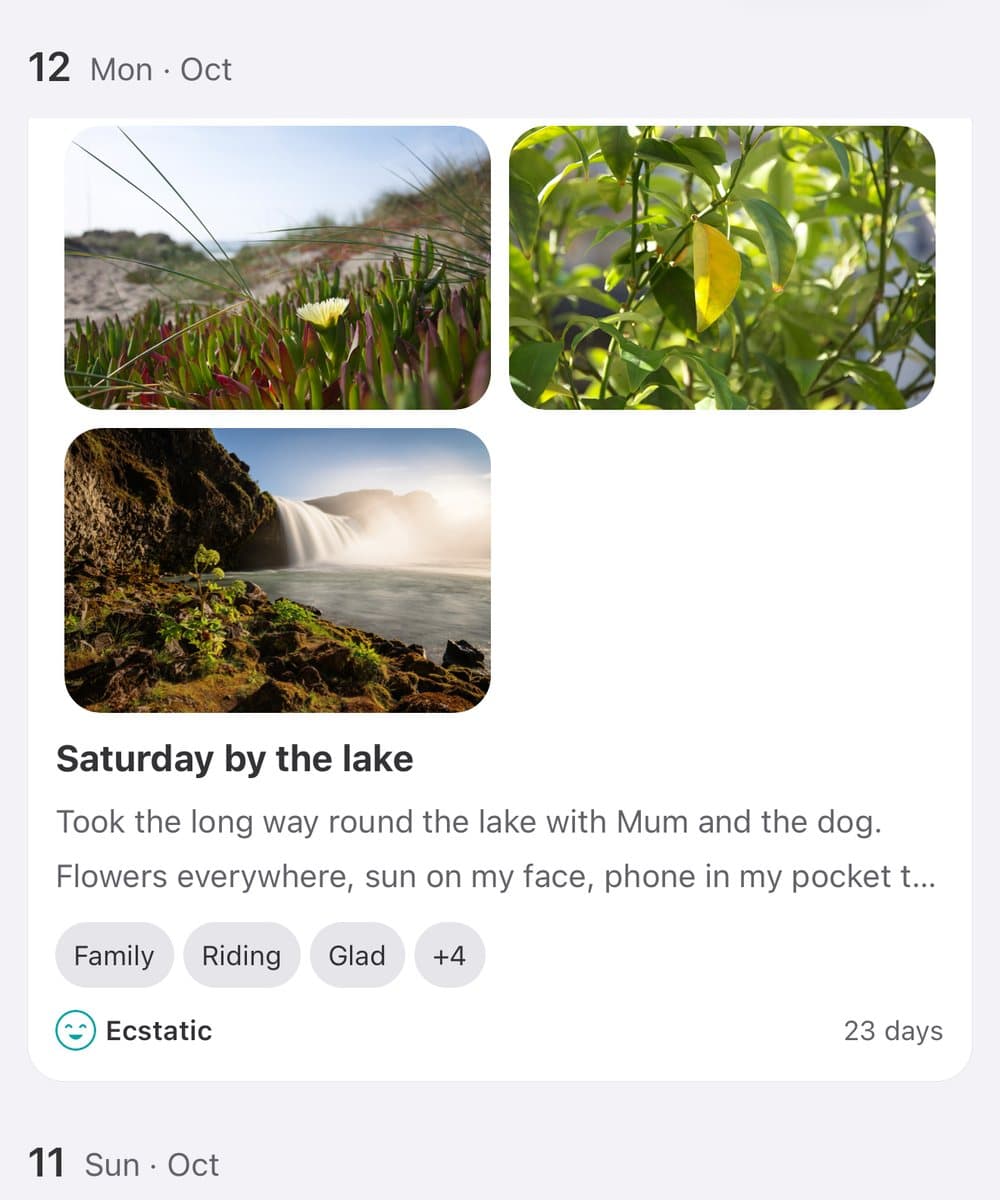
A number on its own ages badly. Six months on, a 7 from a Saturday in May tells you almost nothing about that Saturday. The photo from the zoo does. So does the half-minute voice note from the car park, and the three lines you wrote before bed. Luci lets every entry hold those next to the mood and the tags, so when you look back you get the day and its score together. None of it is required. A mood on its own is still a complete entry.

Photos on an entry
Add photos to any entry, from your camera or your library. They sit with the day's mood, tags and note, so a good day keeps its face. Scroll back through your entries and the pictures do most of the remembering for you. Photos are stored on your phone like the rest of your journal, and they are included when you make a backup.
Audio notes
Some days are easier to say than to type. Record a voice note on an entry, up to ten minutes long, and play it back whenever you open that day. It is the quickest way to keep a thought on a walk, in the car or at the end of a long day. Hearing your own voice from a year ago carries things a sentence cannot.
Free-form notes
Write a line or a page. Markdown gives you headings, bold, italics and lists when you want structure, and stays out of the way when you don't. Luci keeps the note with the day, next to the mood and the tags, so the story and the score are never in two places.
Guided prompts
For the days the blank page wins, Luci asks the question for you. There are over 550 prompts across topics like stress, relationships, self-compassion and grief, written to get you past "fine" and into what is going on. Your answers are saved with your other entries, so reflections and moods share one timeline.
See the journal prompts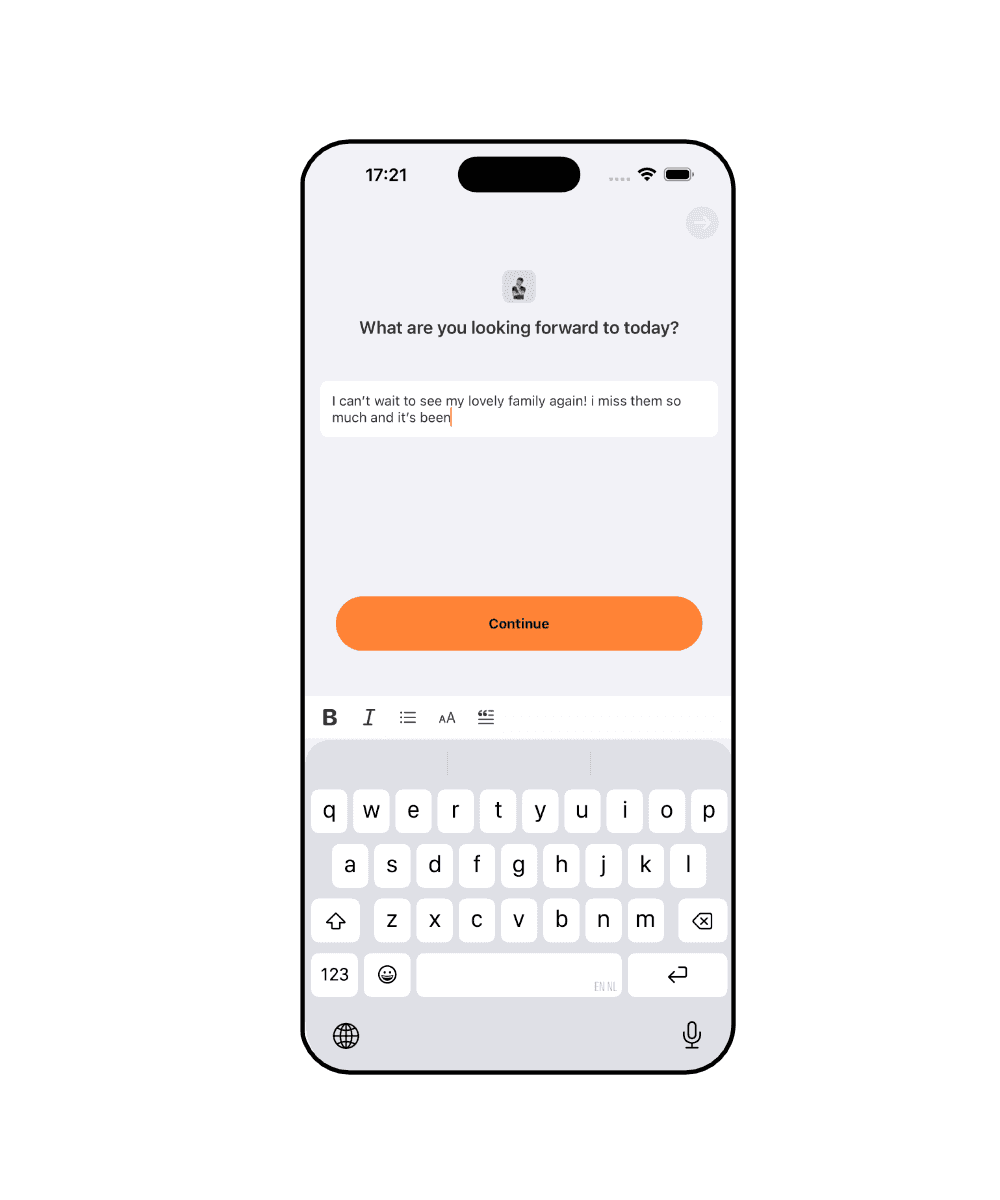
Optional encrypted sync
Your journal lives on your phone and works with no account. If you want it on more than one device, switch on sync and it follows you across iPhone, iPad, Android and Apple Watch, encrypted in transit and at rest. Sync is part of Premium and stays off until you turn it on.
How Luci keeps it private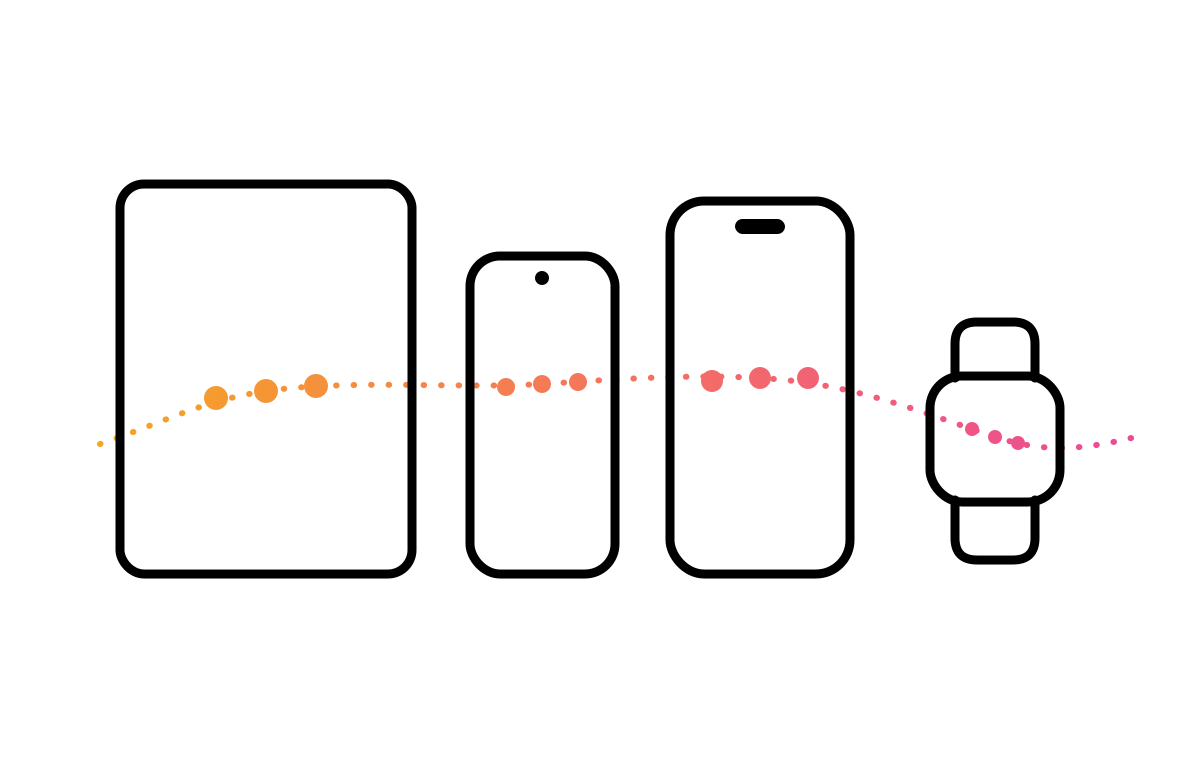
Who this is for
For people who want the day and its score in one place.
You keep photos and moods in different apps
The camera roll has the pictures and nothing about how the day felt. The tracker has the score and nothing about what happened. Put both on one entry and each explains the other.
You think better out loud
Typing a paragraph at eleven at night is a lot to ask. A voice note takes as long as saying it. Record it, rate the day, done.
You want a journal you will reread
Most journals are written once and never opened again. Entries with a mood color, a photo and a few lines are quick to scan, so looking back over a month takes minutes and shows you something.
Common questions
Is Luci a journal or a mood tracker?
Both. A check-in starts with a mood, and you can add a note, photos and a voice note to it. You can also answer a guided prompt on its own, without rating your mood.
Can I add photos to a journal entry?
Yes. Pick them from your library or take one on the spot. They are stored on your device with the entry.
Can I record voice notes?
Yes. An entry can carry an audio note of up to ten minutes, recorded in the app.
Does the journal support formatting?
Notes support markdown: headings, bold, italics and lists. Plain text works too.
Is my journal private?
Your entries, photos and recordings are stored on your phone. Nothing is uploaded unless you switch on sync, which is optional and encrypted. You can also lock the app with Face ID or your fingerprint.
Start where you are
Luci is free, works offline, and asks for about ten seconds a day. No account needed.